
Yes, it is possible to share a Report with a colleague who also has FenestraPro (you may share the project Report with them from your online Account area.
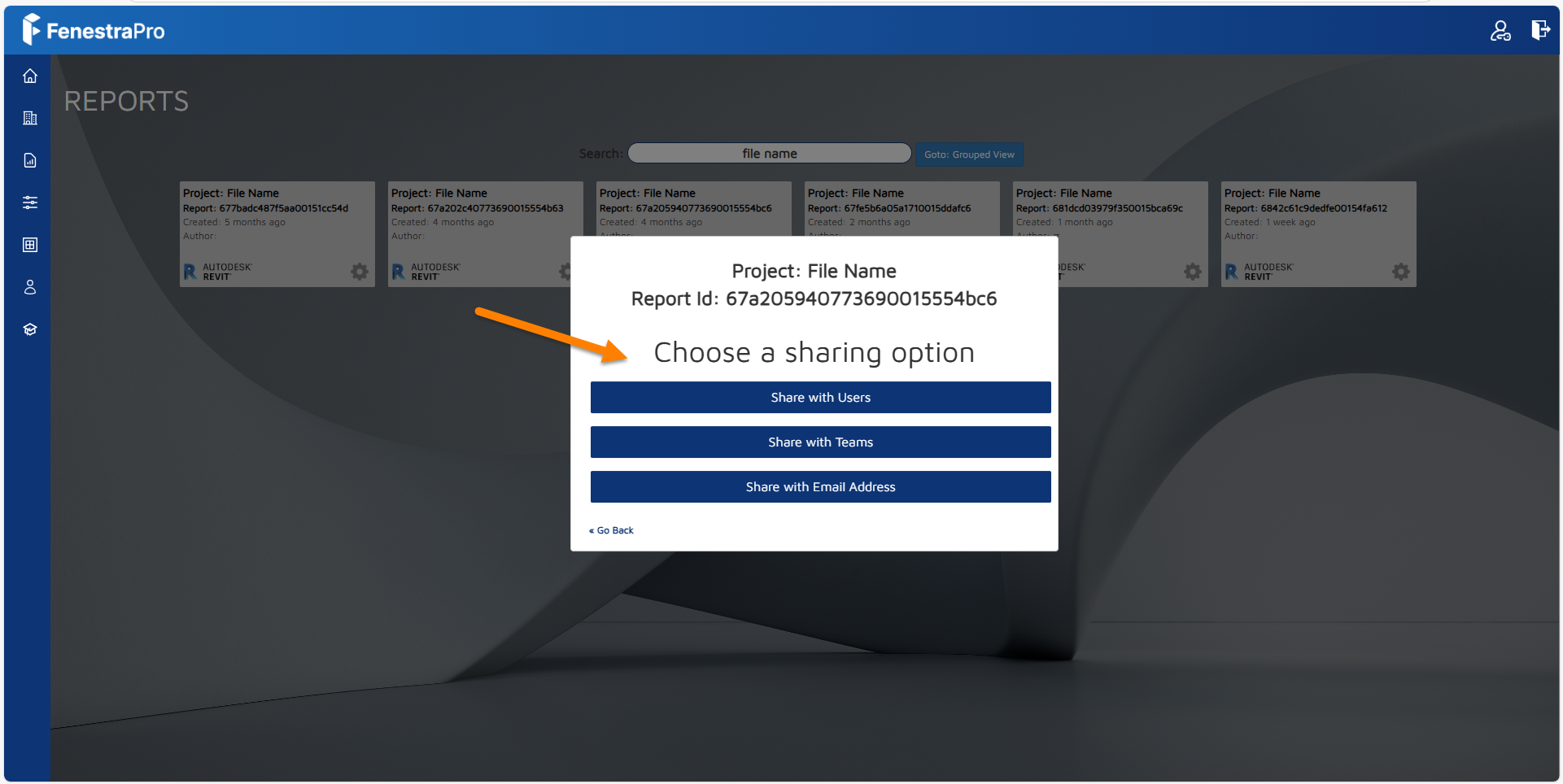
Since changes to model conditions are written to the Revit model, once this is saved, it may be shared with a colleague and opened in FenestraPro (if they are included on your license and have a seat). They will then get the same results. If you have calculated Shading Effects, this will need to be repeated as application settings are set locally on each user’s machine. The model should be saved in Revit (before sharing with a colleague) so that any changes are baked into the Revit file and model conditions should not then be modified (Site Location, True North, project settings etc) since this will alter any future results.
Changes saved to the Revit model include using glass types from the FenestraPro Glass Database, adding windows or curtain walls using the software. If you have created an Energy Code for the project, you may also share this with a colleague(s) from your online Account area. If you have imported a custom glass type from a manufacturer’s glass configurator online, you will need to ensure that this has been added to Revit’s glass types list by syncing the FenestraPro database to Revit. Any new glass types will be saved within the model even if your colleague does not have them in their version of Revit. It is also possible to share a custom imported glass type with a colleague from your online Account.
The HTML Report may also be viewed in a browser and shared with a colleague or this data may be downloaded as a PDF from your Account and shared with colleagues.