This window can be found in the Detailed Design tool. The Glass Database is a list of Glass Types and selected manufacturer’s products (with a range of properties) that may be assigned to glazed elements in the Revit model. The database may be filtered and sorted using the following categories: U-value, SHGC and VLT. This will then provide a shortlist of suitable glass types from which you may choose. These glass types may be substituted for existing glass types in the Revit models. Sample generic Glass Types and manufacturer’s products are listed with a wide range of properties.
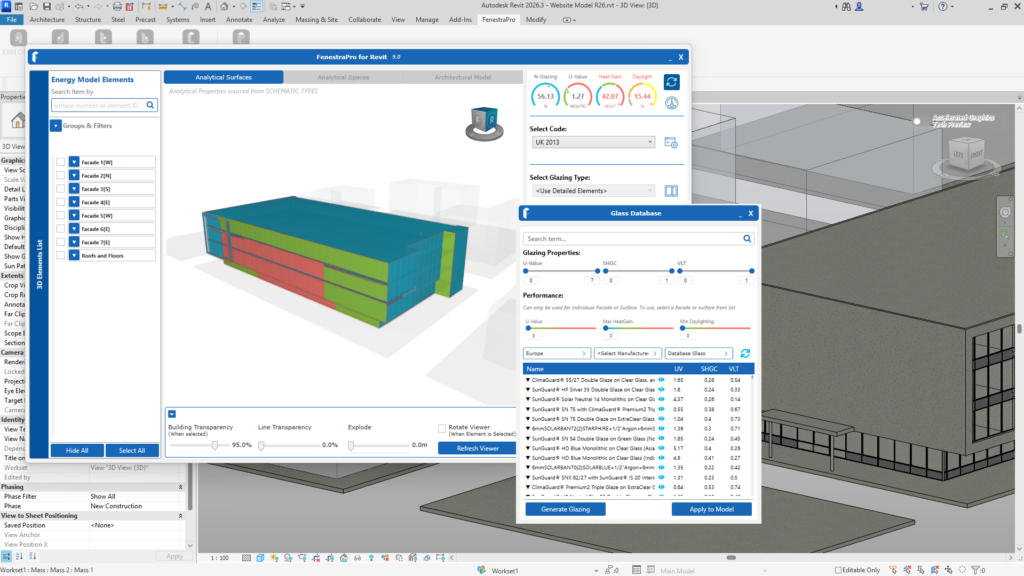
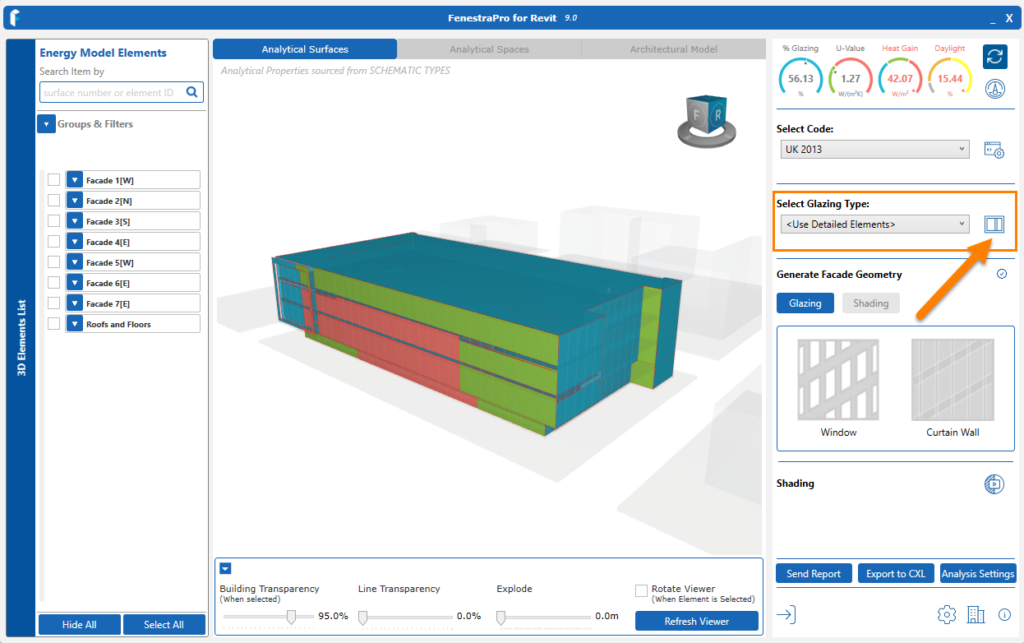
The Glass Database may be accessed from the window icon beside the label Select Glazing Type on the main application window.
 The following articles describe how to modify glazing types in your Revit model and there is a link to a tutorial below (version 7.0.)