
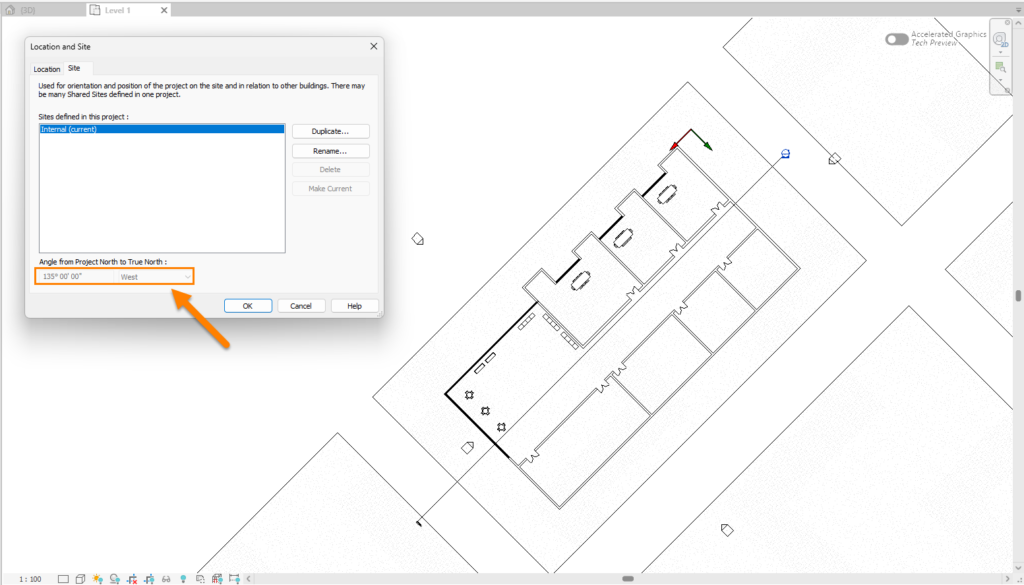
FenestraPro reads orientations directly from the True North setting in Revit. If Project North is rotated for ease of modeling, the application will continue to provide correct orientations. It is important to set this correctly as it will affect the Solar and Daylighting results as well as Shading. You may rotate True North in Revit so that the model is correctly oriented on site.
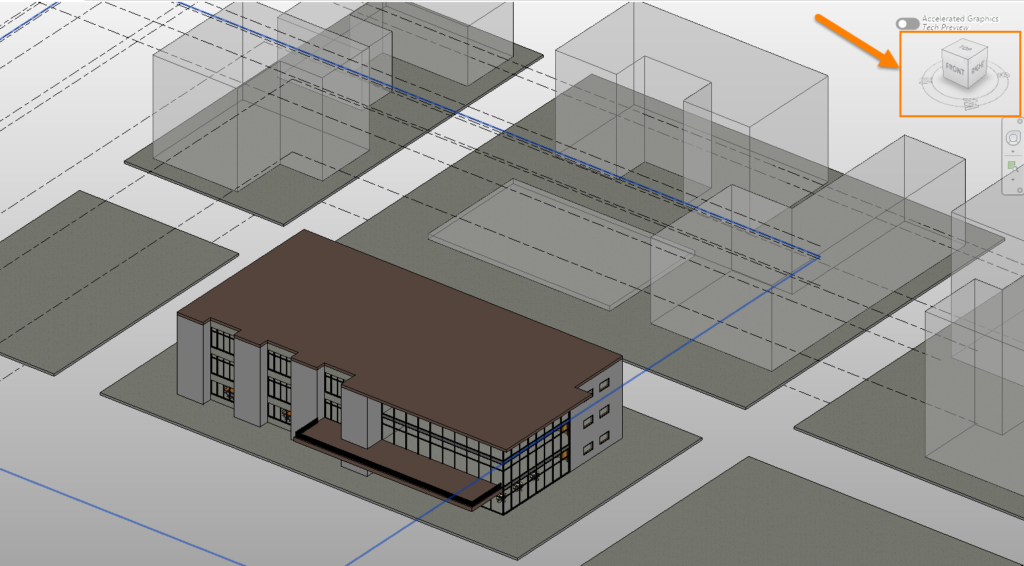
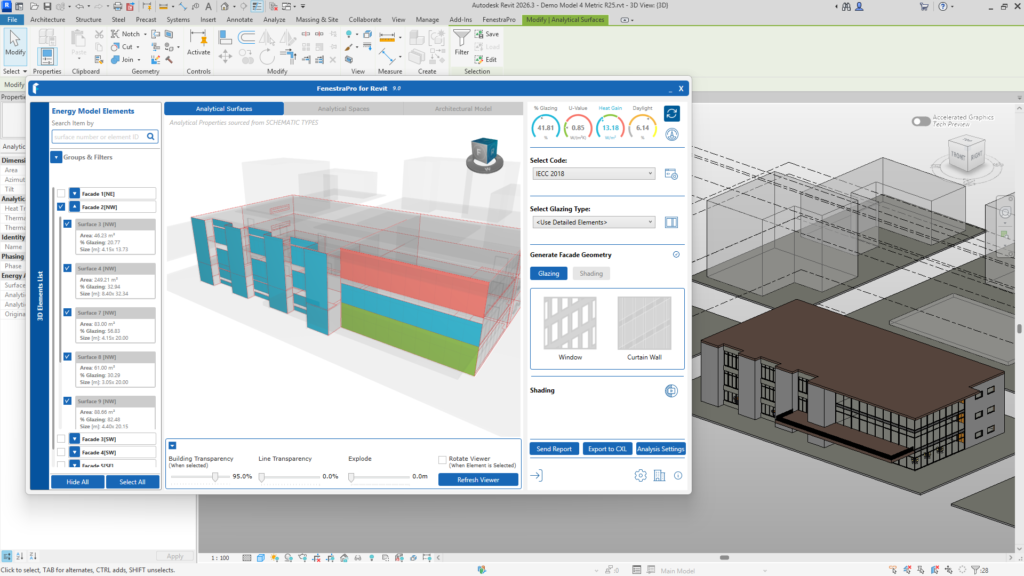
The compass and cube in the application will follow this setting in Revit. If True North has been rotated, the cube and compass will not align to the default setting (‘Front’ normally aligns with ‘South’).
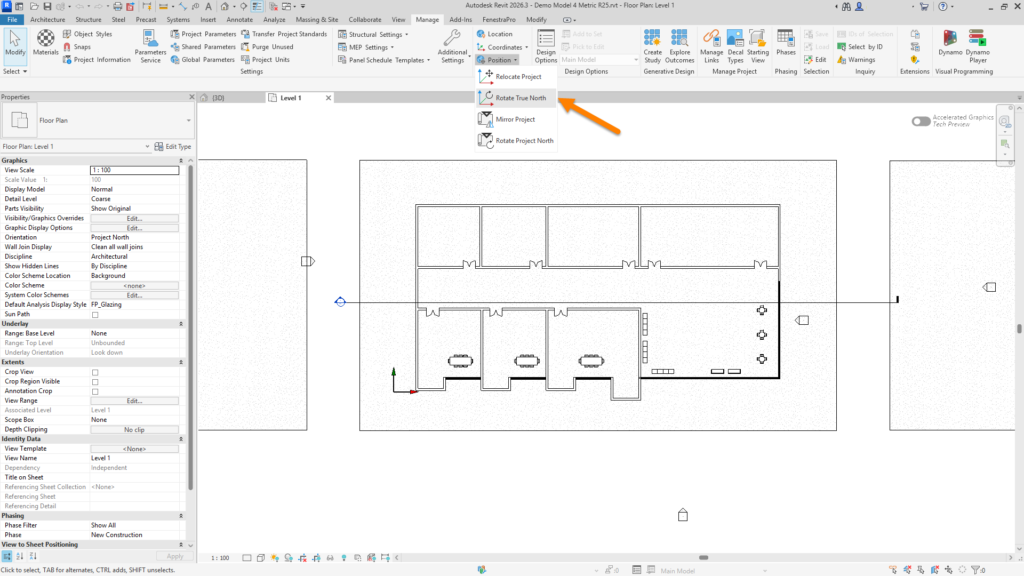
True North may be set (once you are in a plan view in Revit) once the orientation is set to True North (instead of Project North). You may then rotate the angle in Revit if required under the Manage Tab – Project Location – Position. FenestraPro will provide read orientations based on this Revit setting.

