
This will open the splash screen for a detailed Revit model. Here you can Start analysis and review and modify energy settings. The features in this tool are examined later here.

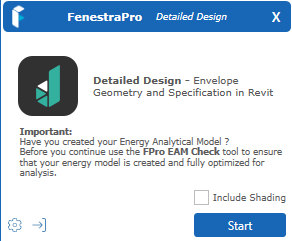
For Detailed models, the Splash Screen displays as shown below. There are also buttons provided for Settings and to Sign-out.
The Settings icon is shown below. This provides access to user preferences for the application such as keeping the window on top of Revit, logging of errors, sending error logs, project units etc
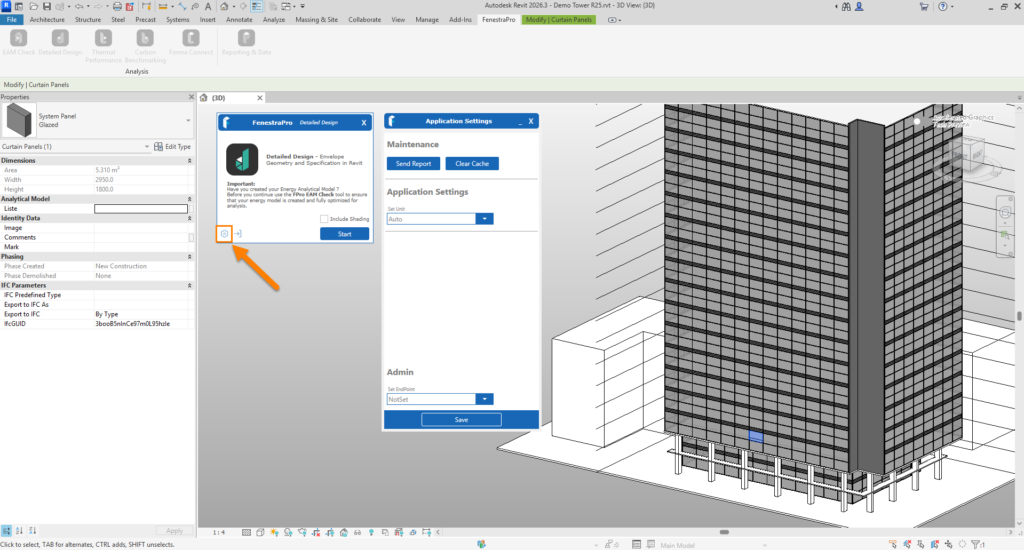
A Sign Out button is also provided when you are finished a session and wish to log out (optional).


