
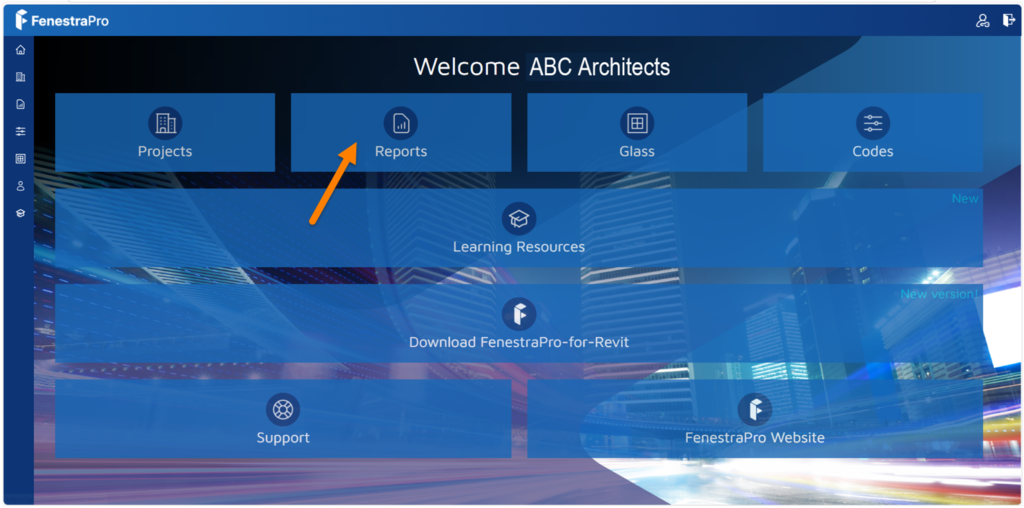
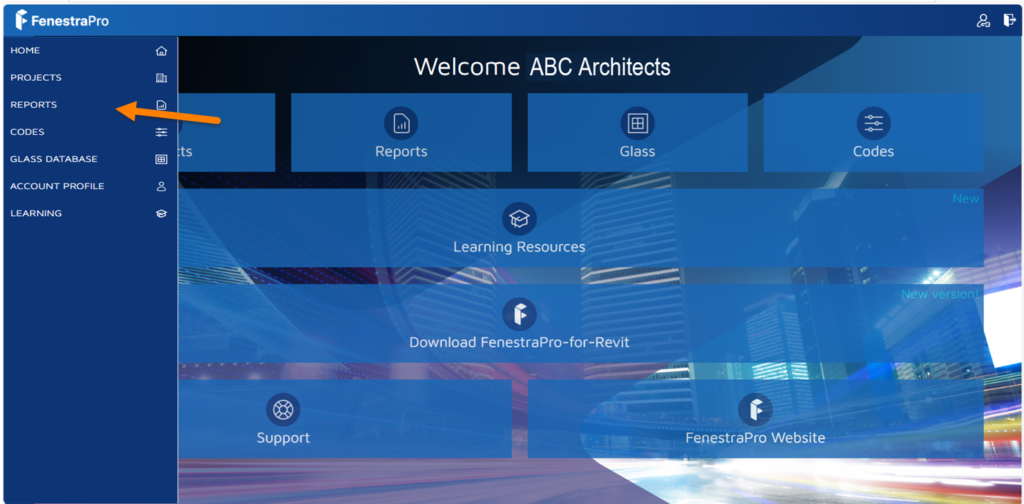
By going to Reports in your Account area, a list of saved reports may be viewed. There is a button on the main screen here for this or you may access Reports also from the sidebar menu.
Click on a report to open it. Reports use the project names and dates of saving to help you find the relevant version. You may also click on the settings wheel for a report to get further options to Share or Delete.

