
The Glass Database provides a means to swap out glass types for those with different properties to compare performance results.
The main window has various sections as explained below:
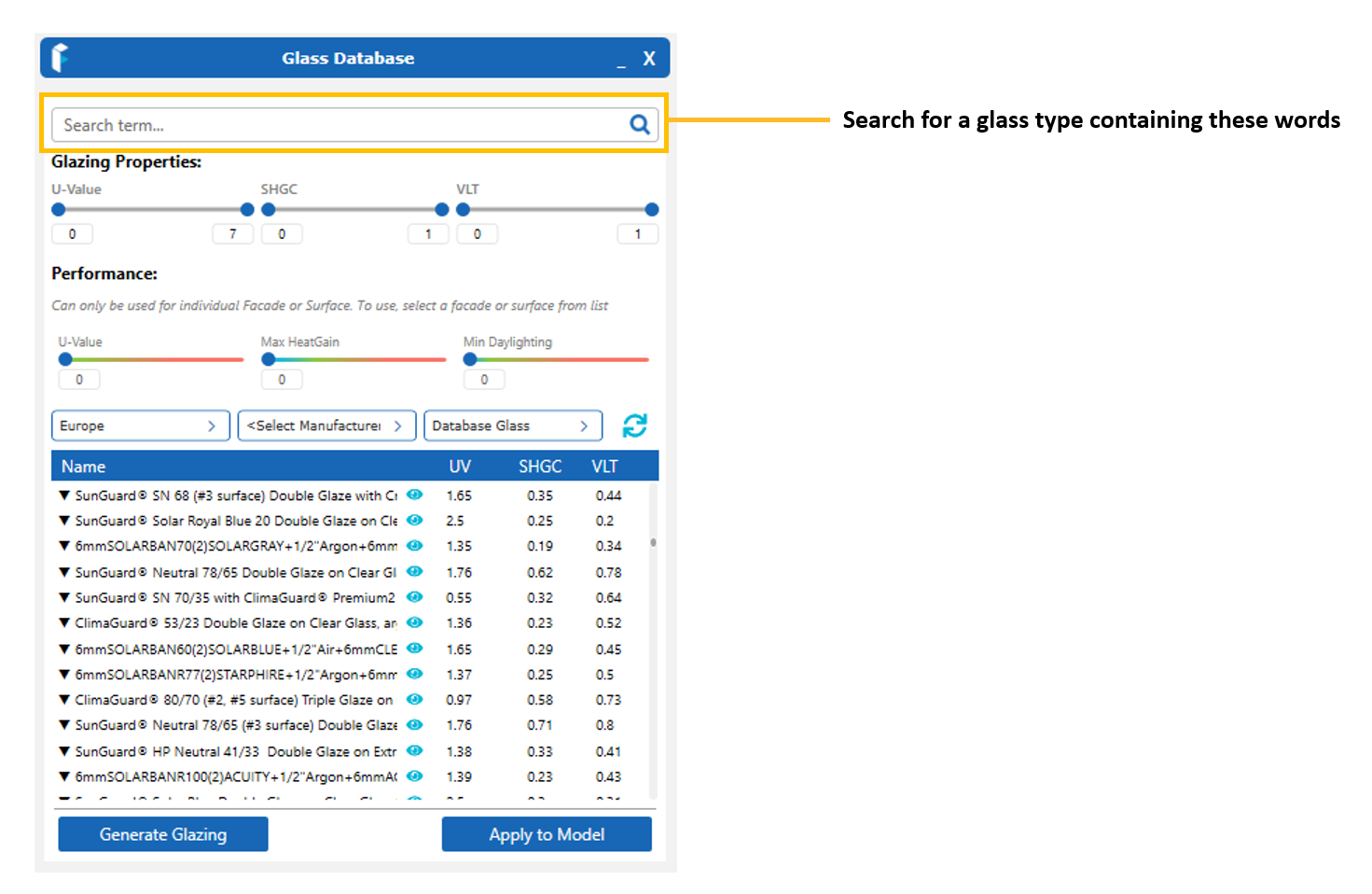
Search
Find known glass types with specific words e.g. Manufacturer’s name, a known description, ‘Neutral’, ‘Low-E’, ‘Argon’ etc
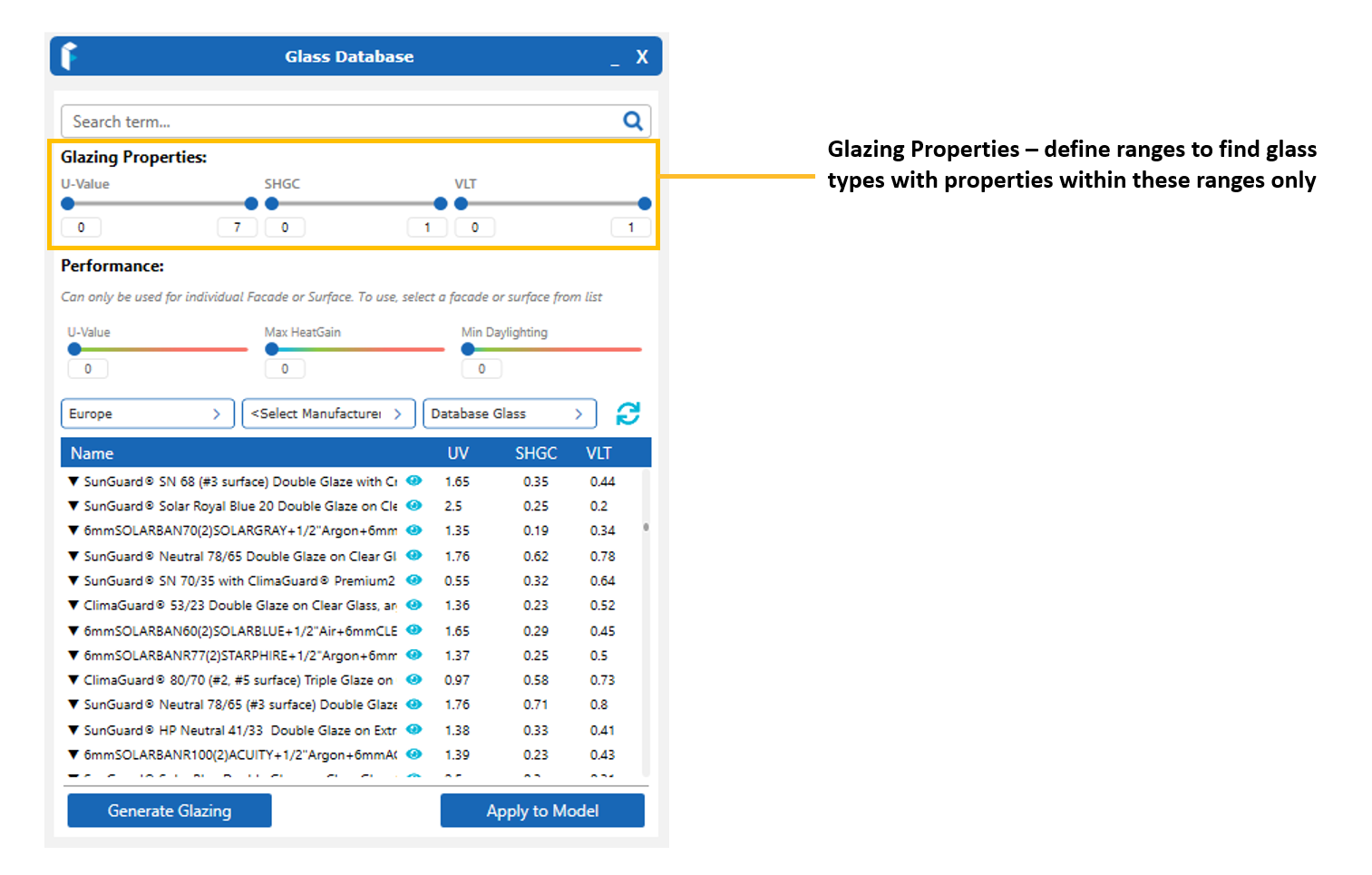
Glazing Properties
Find glasses which have properties with specific values within defined ranges.
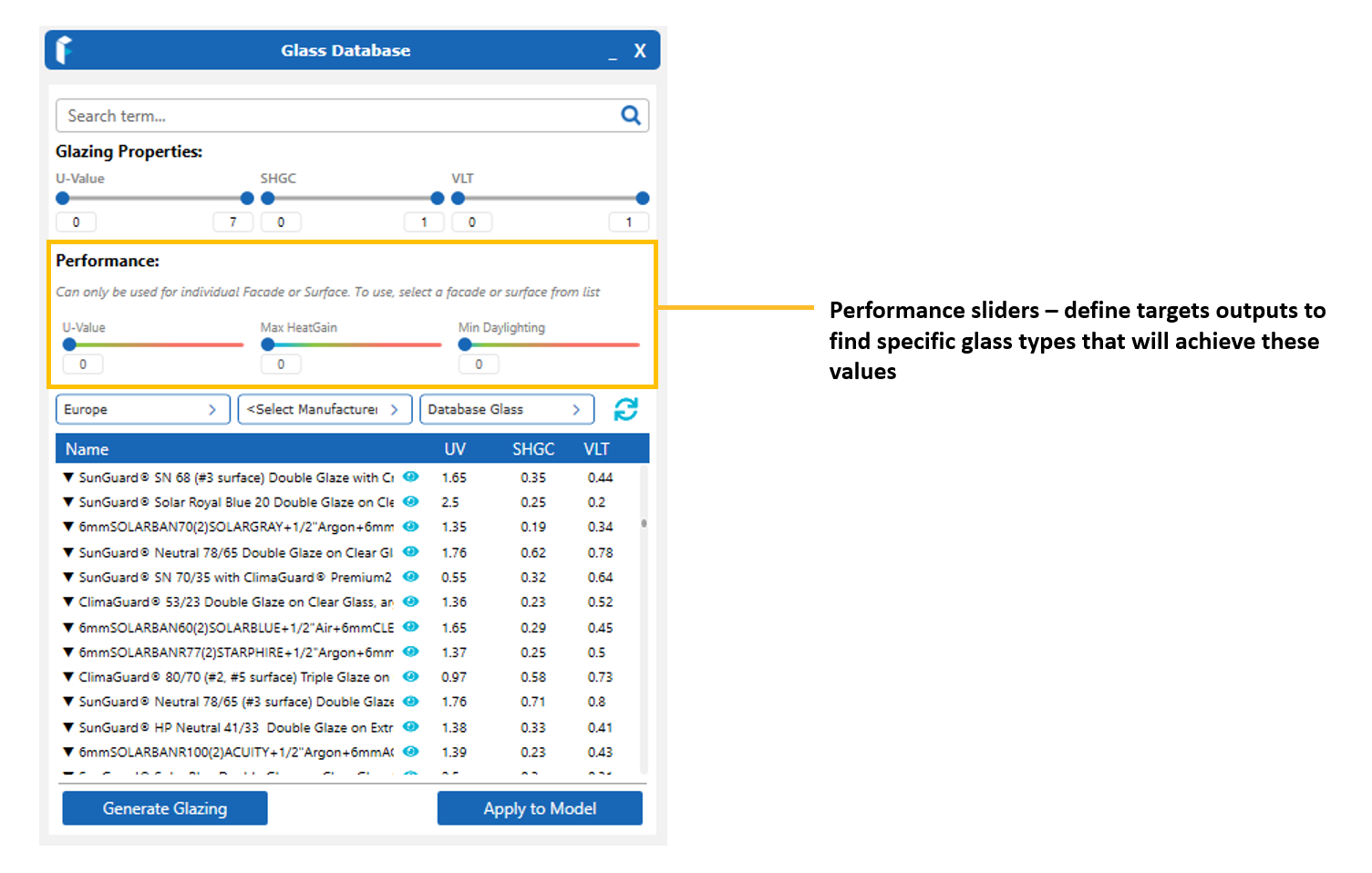
Performance Targets
Surface Fix feature to find glass types that will attempt to achieve target Heat Gain, Daylight and U-value/R-values on the selected Surfaces.
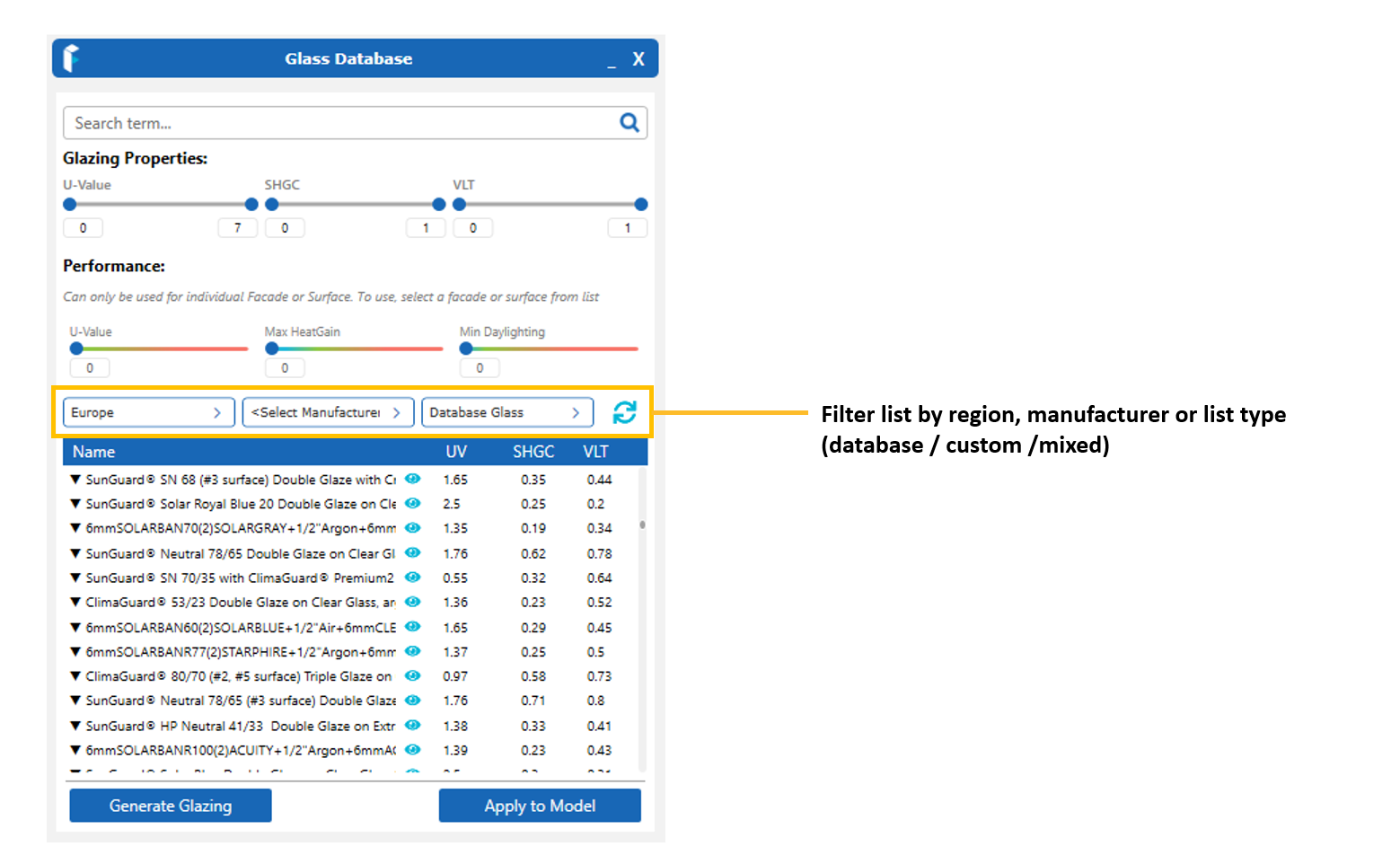
Filters
Filter the list using the criteria shown.
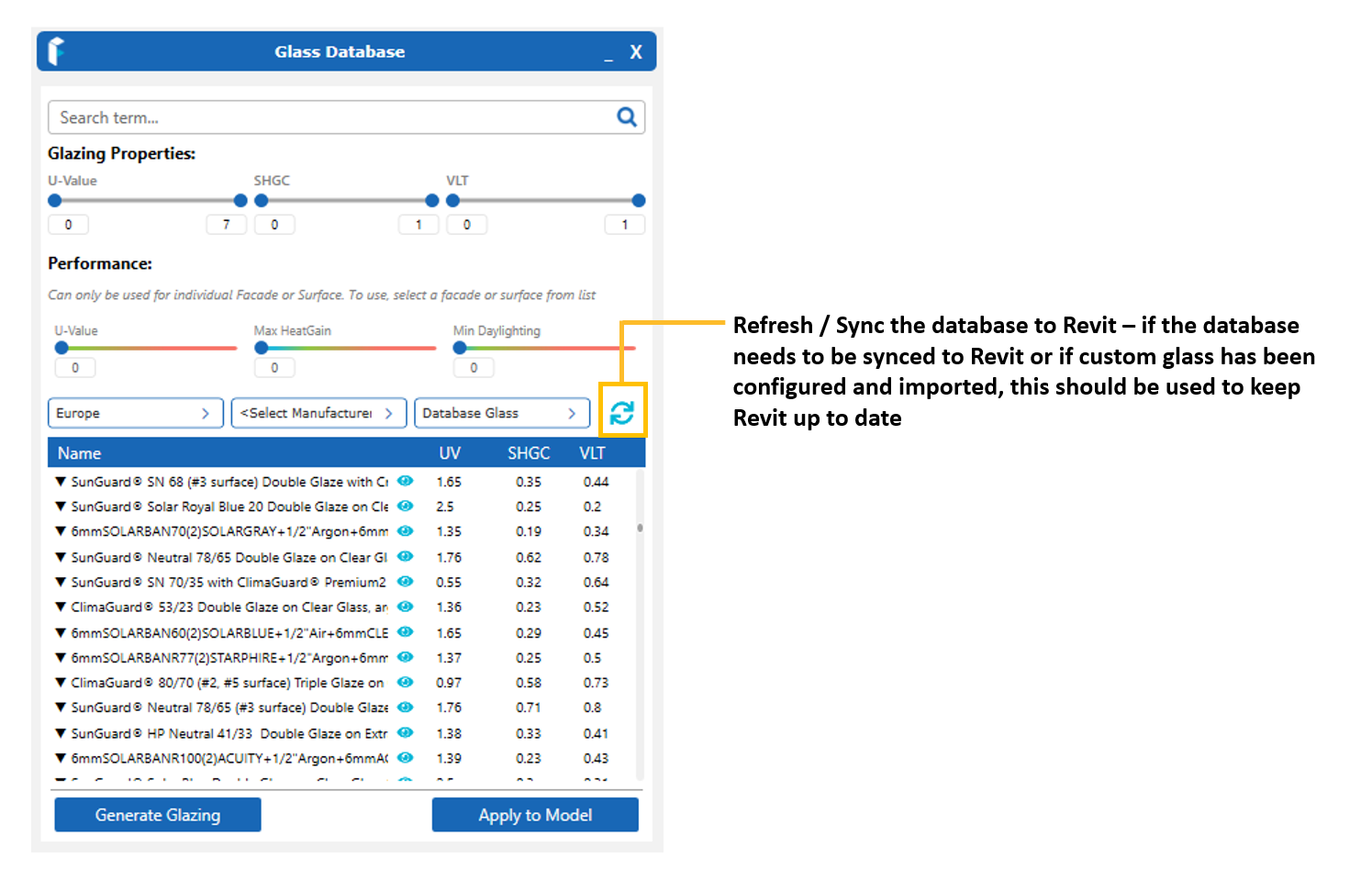
Sync
Update the application and Revit with any updates (imported glass assemblies etc to use in your project).
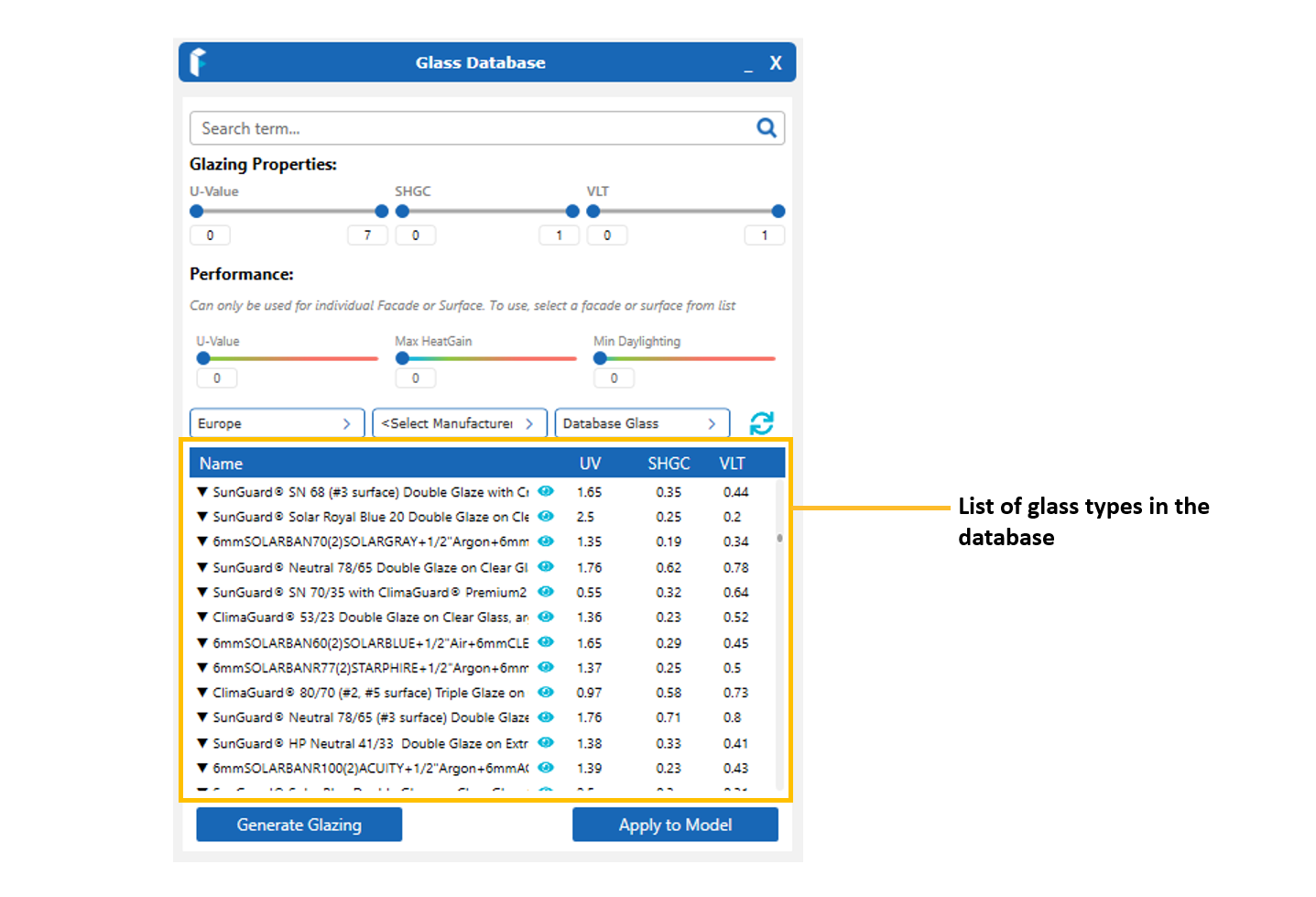
Glass Database
Main database list with properties and links to webpages and technical support.
Sorting
Sort the list using ascending or descending values.

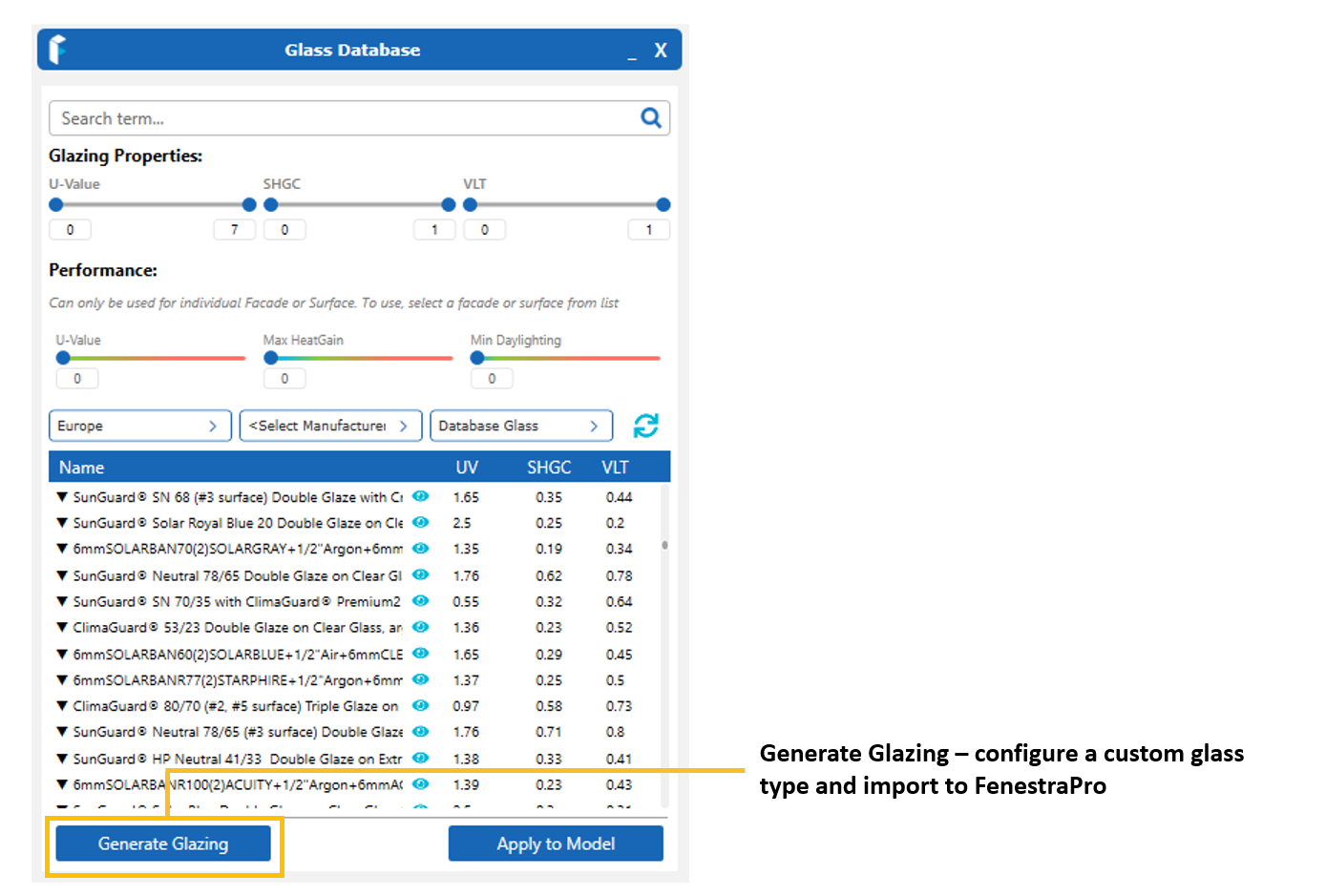
Generate Glazing
Configure a custom assembly on a supplier’s website and import to FenestraPro.
Apply to Model
Once selections have been made on the model in the viewer and a glass type has been found, you may apply this to the elements on that Surface.


