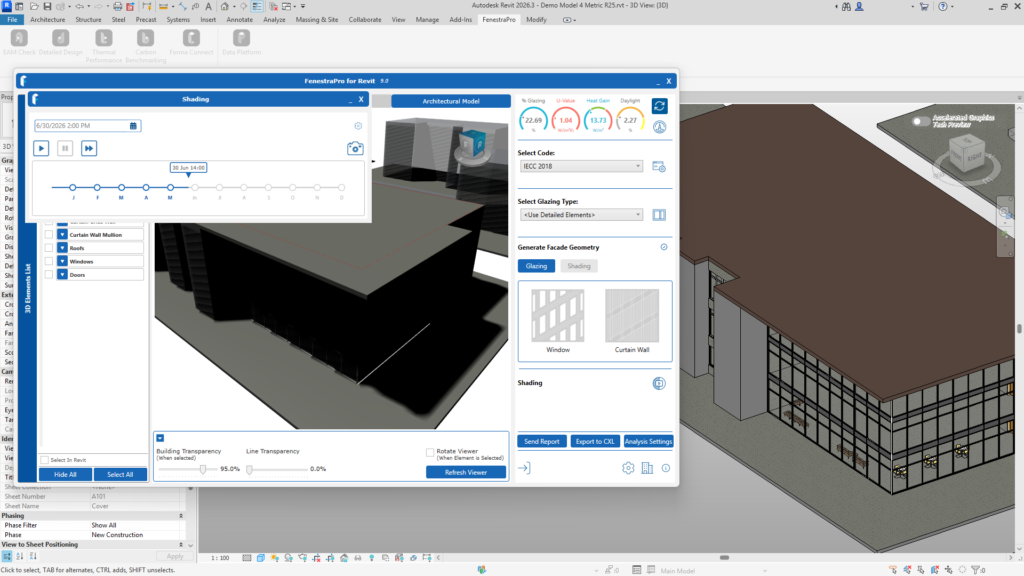
FenestraPro supports roof and floor overhangs. You may test this, by first calculating results without the element extended (the Calculate Shading setting should be turned on).
When a Roof or Floor is extended beyond the building line, relaunch the application and get a new Energy Model when starting again (since the model geometry has changed). Calculate Shading should be turned under Analysis Settings and updated results will be calculated.
Note: Internal Floors should not be extended as balconies or exterior elements. A Floor family with ‘exterior’ function should be used externally. You may also get results with shade devices added or elements with shading effects present but without Calculate Shading turned on. This will provide results by ignoring the shading effects. Daylighting results however will always include shading effects, therefore you may not see any difference in results if you use this method.
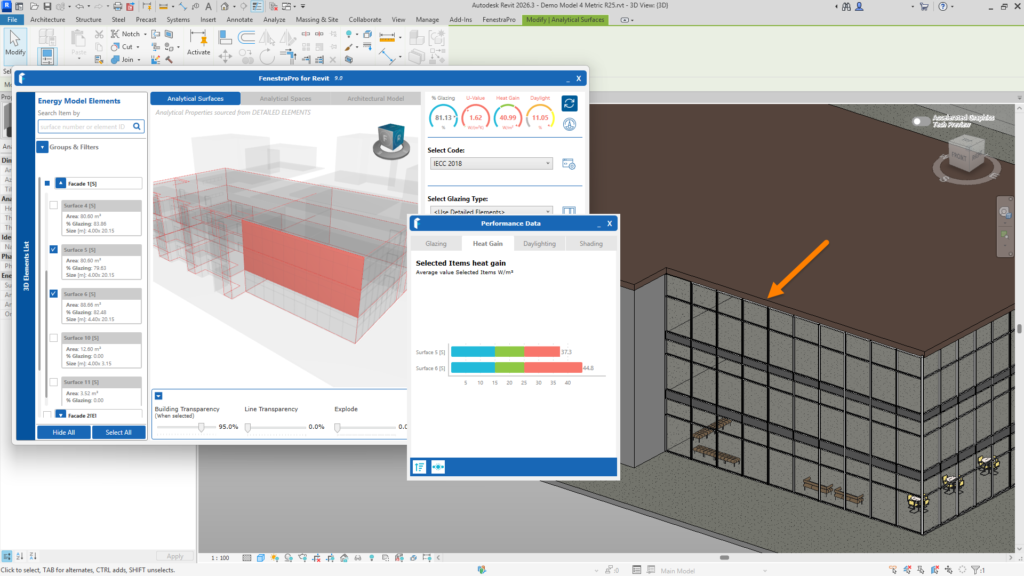
Results with the Roof following the building footprint

Results with the Roof overhanging the building
You may also check in the Shading Animations if shadows are created by the object. If so, the results will be affected when Calculate Shading setting under Analysis Settings is turned on.