
Alternate design options in Revit are accommodated by FenestraPro where various iterations of the model may be present in the project. The current primary option will always be used for analysis. Different designs may temporarily be made Primary to facilitate analysis of different options. When an alternate design option is chosen, FenestraPro should be closed and re-opened and results calculated again the current model condition.
Note: If you have any Mass model in the project, this may need to be adjusted as this may also get Surfaces with the combined Energy Mode setting (‘Use Conceptual Masses and Building Elements’).
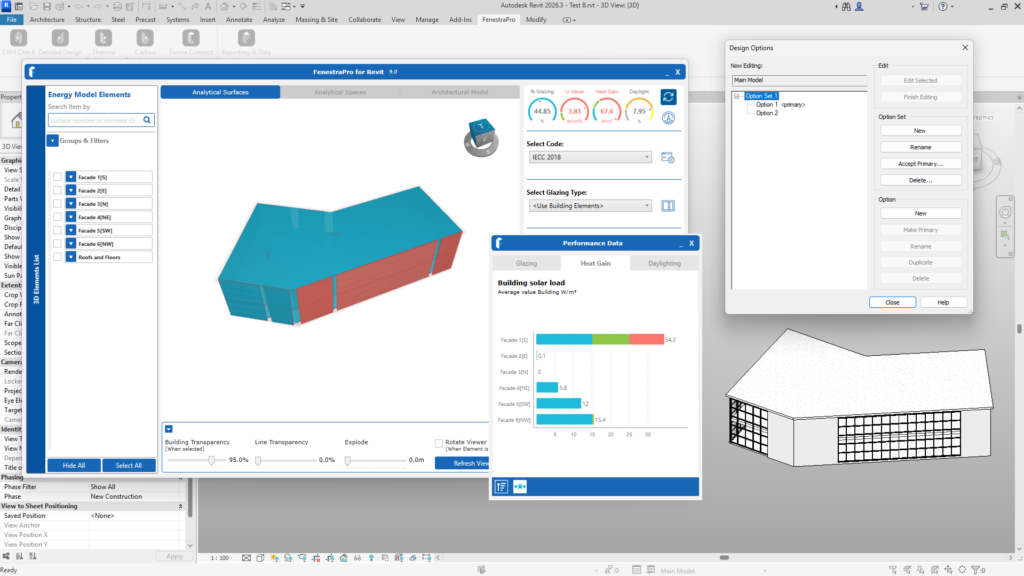
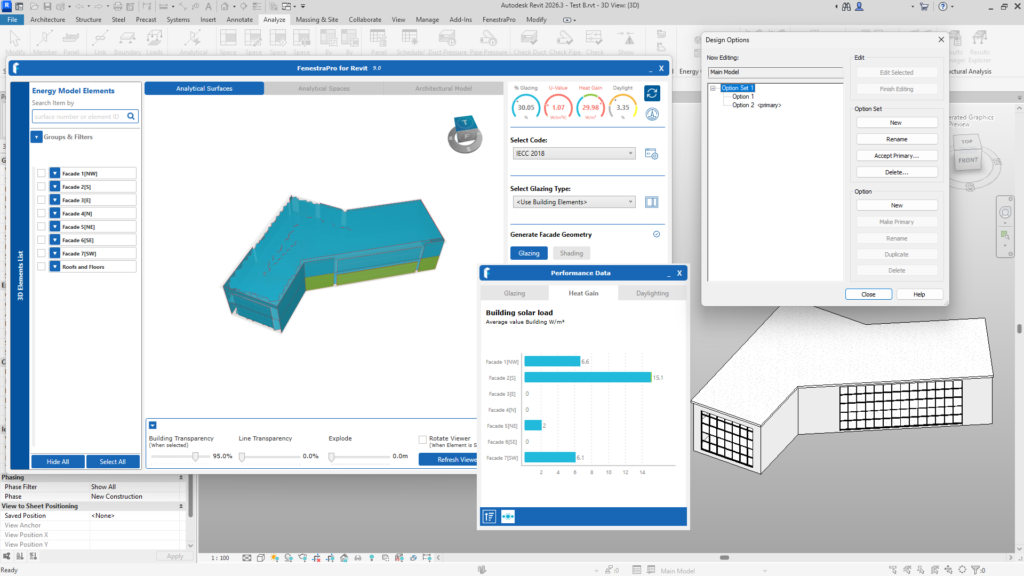
Note: You will need to close FenestraPro and relaunch to create a new Energy Model for this model condition.
Note: Surface numbering and quantities of Surfaces may change when comparing various iterations of the model.

