Sharing Reports

2 minutesread

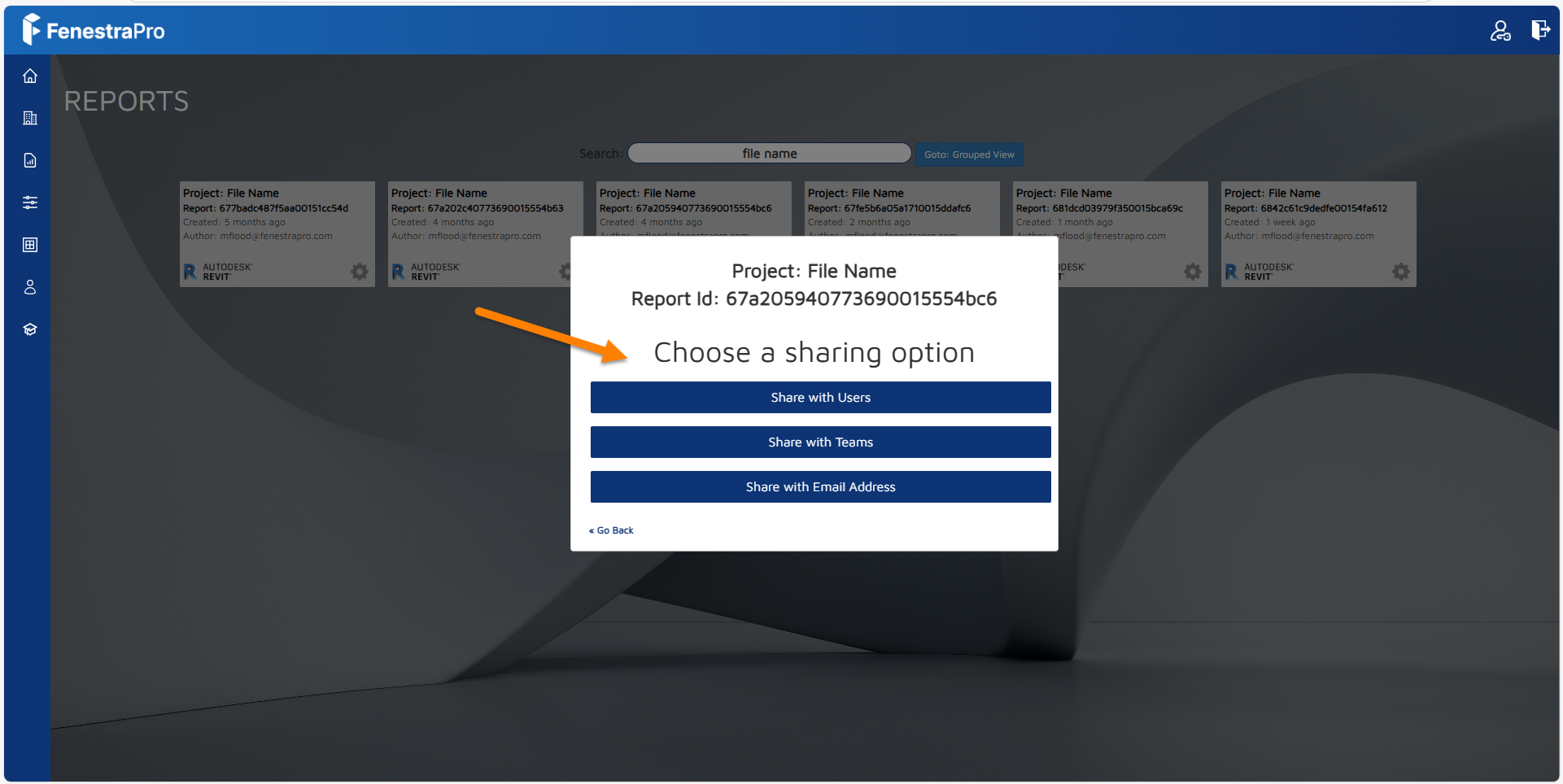
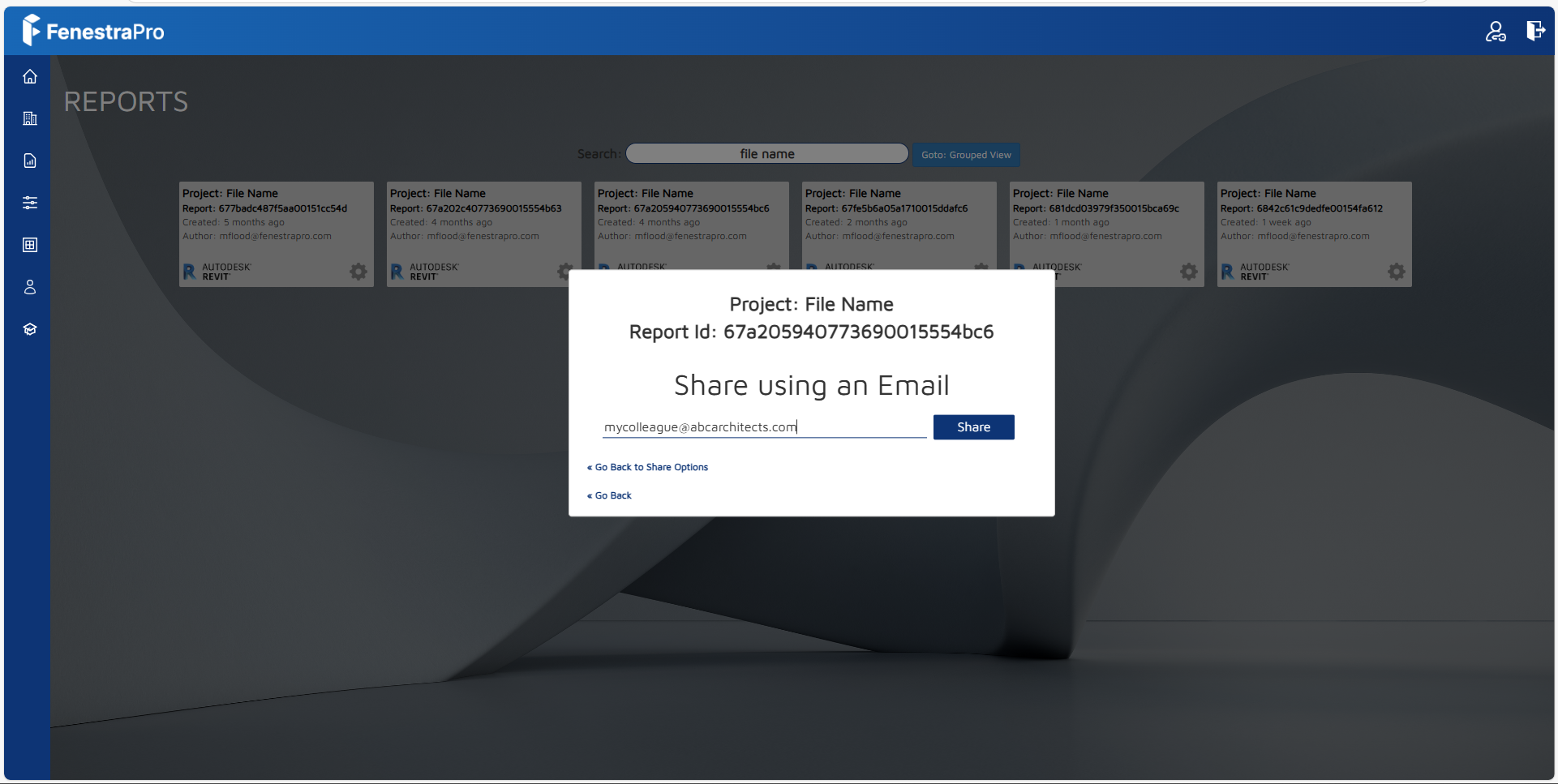
Clicking on the Share button will provide options for sharing via Team, User or Email.  Click into an option to then input details.  This will send a link to the email recipient.
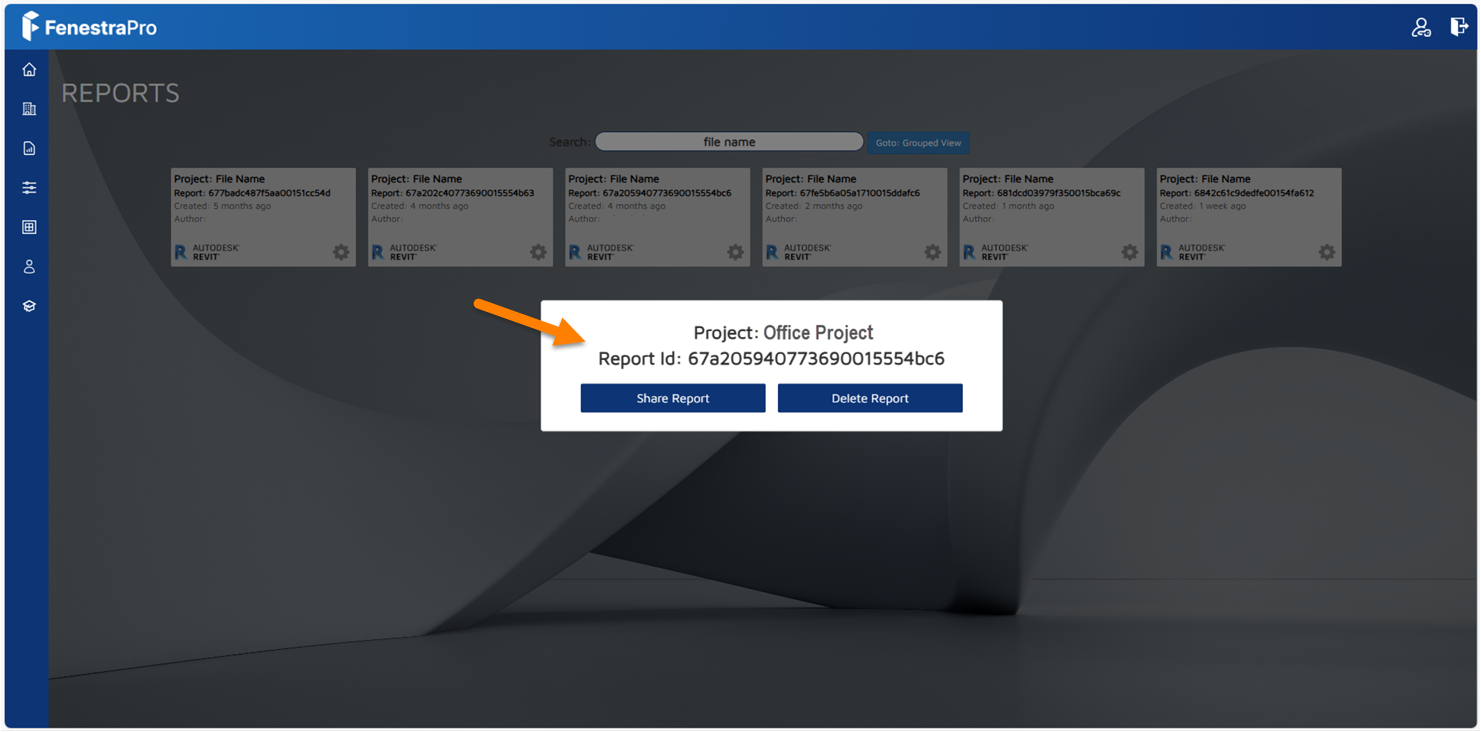
Note: The recipient will also need to have a FenestraPro account and be part of your license to view the link.  Shared Reports will appear in your colleague’s Reports area in their account.


0
9
2 minutesread

Related Knowledge Base Posts

Submit

    Type your search string. Minimum 4 characters are required.

    Scroll to Top