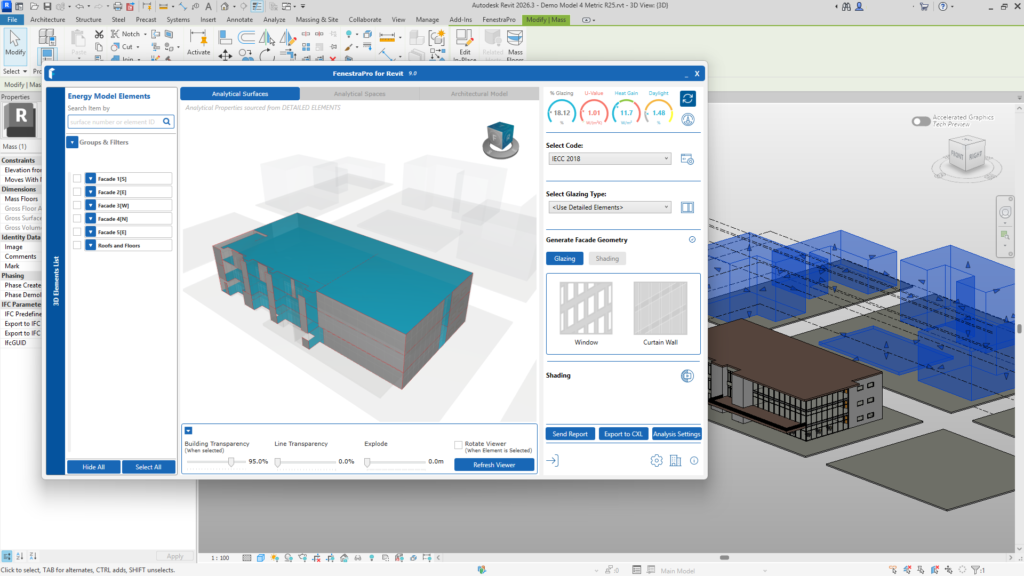
Surrounding Buildings may be modeled as masses. To include the shading effects of these, Calculate Shading should be turned on before the Solar Loads are calculated in the Analysis Settings area. If Calculate Shading is checked, the results will show the most shaded Facades in the project.
Note: Mass objects contained in linked files also have Shading Effects. Generic imported objects may not create shading effects and may need to be remodelled in Revit. You may use simple mass volumes by tracing around the footprints of any imported geometry and quickly create surrounding buildings which may affect results when the model is analyzed. The imported geometry may then be hidden or deleted.