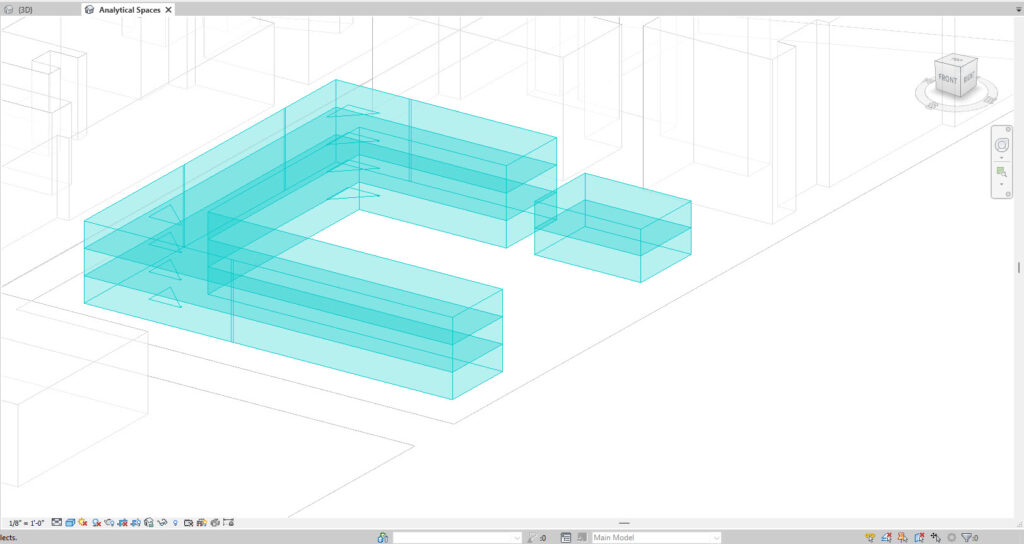
This may occur if the Energy Model was created but then masses were modified/moved/deleted later. When generating an energy model with the mode ‘Use Conceptual Masses and Building Elements‘, conceptual masses will also be included in the view. If these masses are later modified/deleted etc, these Analytical Surfaces/Spaces may appear but the masses that they were based on have now been removed or modified. These can be removed by going to the Energy Settings and changing the Mode to another type and generating an Energy Model again in Revit. Then change the Energy Mode back to the recommended mode. When you relaunch the application, a new up to date Energy Model will be created. This should clear the redundant surfaces.